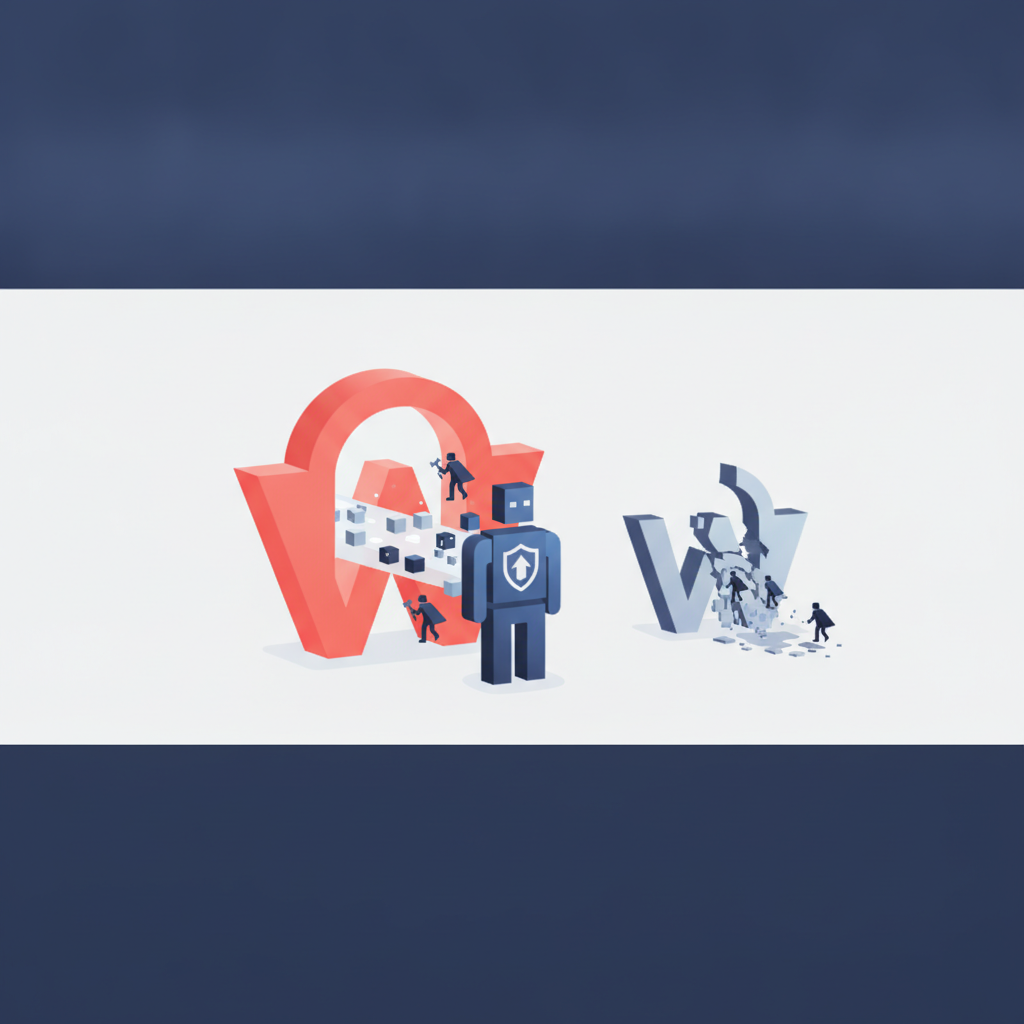
When WordPress Burns at Six PM: The Truth About Hacked Website Rescues.
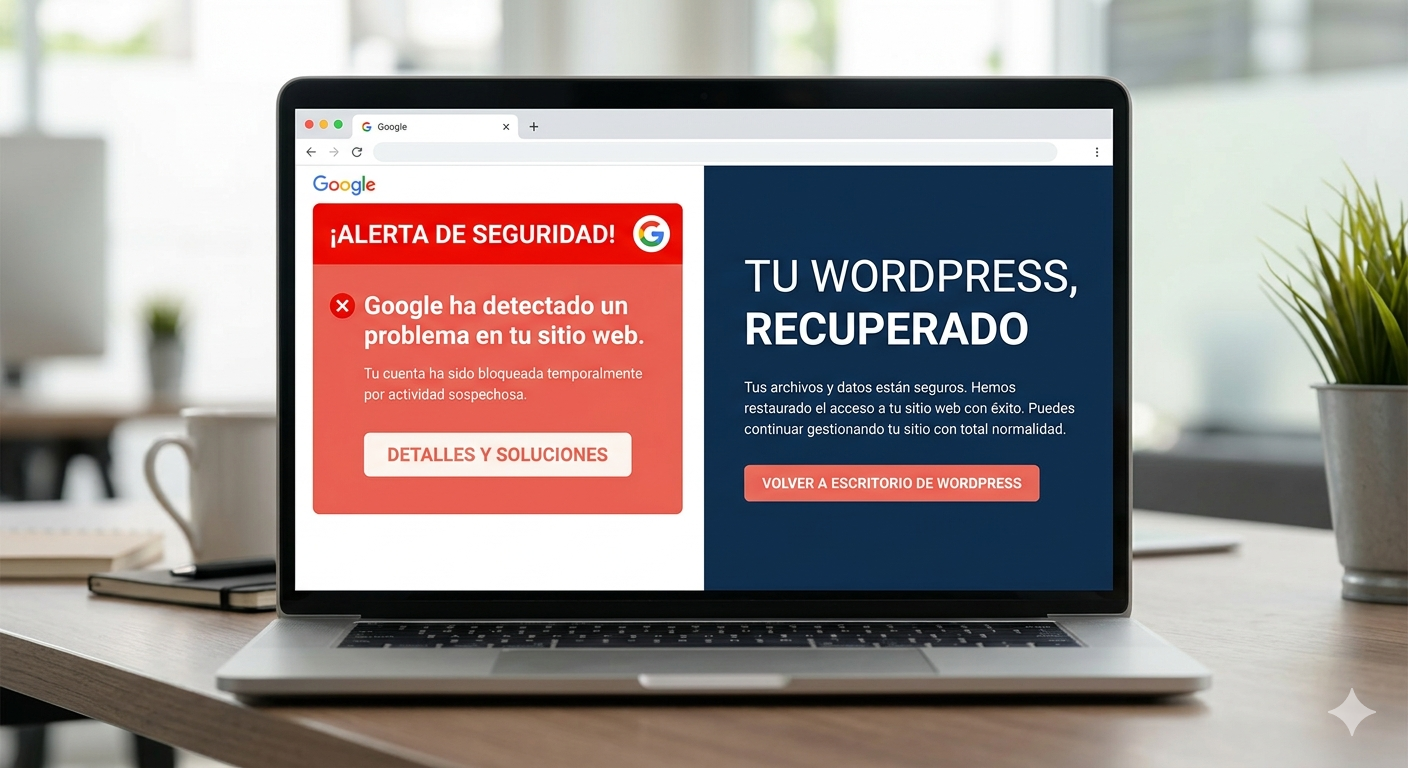
What a Website Rescue Really Looks Like
"My website is down." "Google marked it as dangerous." "My hosting provider says there are thousands of weird files." Calls we receive almost every week — and almost always with the same structure: it happened on a Friday, no one was looking, and now the fire needs to be put out before it spreads.
Forget the romantic image of the hooded hacker typing away. 95% of the WordPress sites we rescue weren't targeted by anyone: they fell victim to an automated campaign that scans the internet for websites with an outdated plugin or a weak password. A bot found your website. It doesn't know your client, it doesn't care about your business. What it wanted was infrastructure to send spam, host phishing, or mine cryptocurrencies.
When we arrive, here's what we typically find:
- Webshells (backdoors) hidden with names like wp-content/uploads/2023/cache.php.
- Rogue plugins installed by the attacker to maintain access even if you change your password.
- Injection into the WordPress core or wp-config.php: patching the plugin won't solve anything, because the hole is elsewhere.
- Fraudulent users registered — we've seen databases with 300,000 fake users on a single freelancer's website.
- Defacement or, worse, a silent redirect to porn or phishing pages that only activates for Google visitors. You access the website via favorites and it looks fine. Your customers see something else.
The First Three Hours
The most expensive part of a rescue isn't the technical work. It's time. The longer it takes to intervene, the more the damage spreads: Google marks the domain as dangerous (and de-indexes it), customers see things they shouldn't, email providers start marking your emails as spam, security blacklists include you.
That's why a serious rescue begins with a quick forensic diagnosis: what got in, how, and since when. Without that, you clean the visible and it comes back tomorrow.
Then comes containment: isolating the website, cutting off the attacker's connection, saving what's recoverable. Then eradication: malware, webshells, infected plugins, core modifications, fraudulent users, rotated keys. And finally verification: that the site is working, that there are no residual IOCs (indicators of compromise), and that Google removes the website from the blacklist.
By the way: if at any point you're offered "cleaning for €30", be suspicious. Either it's an automatic script that cures the symptom and leaves the hole open, or there's no one behind it.
The Honest Price
At FactorIA, we charge for rescues with a single payment, clear figures, and no surprises:
- Express Rescue — €149 (complete cleaning, hardening, blacklist removal, resolution within 24-72 h, 30-day anti-reinfection guarantee).
- Urgent Rescue — €249 (with first response in under 2 h, WAF, 60-90-day guarantee).
- Ecommerce Rescue — €349 (urgent rescue specifically for WooCommerce stores, with payment gateway and order review, 90-day guarantee).
One condition: we offer free migration to our servers. If the client prefers to stay on their current hosting (where, let's remember, this happened), the price doubles. It's not about making money: it's because rescuing on a server we don't control is working blind, without guarantees that the next attack won't come through the same place.
What's Not on the Invoice
A rescue isn't just the technician who cleans. It also includes:
- Coordination with the current hosting provider (if you don't migrate).
- Request for removal from Google's blacklist and reputation.
- Credential rotation.